

Plan it.
NewWhen are we meeting?
- Sat, June 12 3 votes
- Sun, June 13 1 vote
Diese Seite gibt es auch auf Deutsch. Oben bei der Flagge kannst du jederzeit wechseln.
Free group planning with friends
Plan together. Split easily.
PlanLos! is a free web app for groups. Vote on a date, see who’s bringing what, what still needs buying or doing, and who paid for what – all in one place, no subscription. Also on Android.
100% free No subscription
Sound familiar?
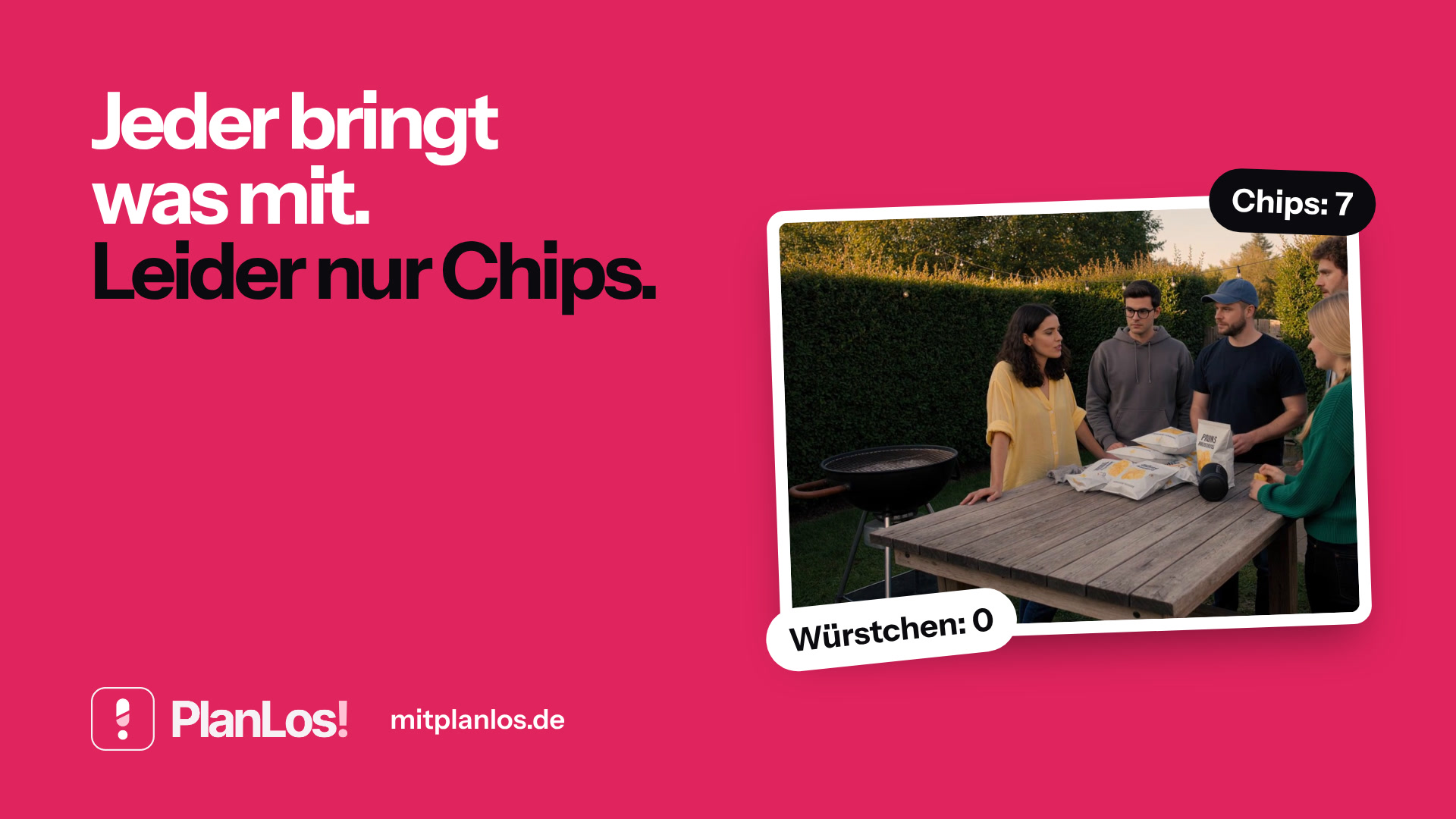
Everyone in the group chat says “I’ll bring something”. On Saturday they all show up with chips. Nobody bought meat, and the charcoal is still in someone’s basement.
With PlanLos! it’s settled beforehand: who gets the sausages, who brings the charcoal, who makes the salad. Everyone sees what’s still missing – and whoever gets it checks it off.
On the go
Same groups, same lists – on Android and in the browser. The iOS app is next.

 Coming soon to the
App Store
When are we meeting? Who’s bringing salad? Who’s getting charcoal? Who still owes money? All in one place – not buried in the chat.
Plan it.
NewBring it.
Split it.
Jonas pays Mara
€86.40
PlanLos! is a free web app made in Germany for getting things done as a group. Friends, families and roommates make bring lists, sort out shopping and tasks, and split shared costs without doing the math. Whoever creates the group needs a free account – everyone who opens the link just joins with their name.
House party
Drinks, snacks, decorations: who brings the speaker, who gets ice, who already paid? So it doesn’t all land on the same two people again.
Vacation & rentals
Packing list, the first grocery run, gas, rent: the chat loses track fast. In the group it stays clear who’s sorting what and who still owes whom.
Festival
Tent, camping stove, food, tickets: before you leave, you know who’s bringing what – and afterwards, who gets paid back for what they fronted.
BBQ
Charcoal, meat, salads, bread: everyone signs up, nobody brings mayo three times – and whoever did the shopping adds the expense.
Bachelor & bachelorette parties
Plans, venue, costumes, deposits: hand out tasks, sort out who brings what, and don’t spend weeks afterwards piecing the costs together.
Weekend trip
A short trip with friends: car, a place to stay, meals together. One group is enough – share the link, fill the lists, add expenses.
Made for groups that don’t want another chat thread or a second app. And yes: PlanLos! is free.
Actually free
No subscription, no hidden limits. Ready in the browser and on Android – iOS is coming.
Invite with a link
Whoever opens the link is in – a name is enough. Only the person who creates the group needs an account.
Guests don’t need an account
Anyone can jump in right away without an account. An account helps if you want to find the group on other devices later.
Turn sections on and off
Just planning? Just costs? Turn on what you need – your entries stay.
Balances in plain words
“You get back” and “You owe” – not just a color.
Finding a date, bring lists, to-dos and costs – without the chat being the only record. Turn sections on or off in the settings; your entries stay.
Planning
NewSuggest a few dates, vote, pick one – instead of asking around in the chat. Once the date is set, you move on to lists and costs.
To-dos
What still needs buying, picking up or sorting out – with amounts, who’s on it, and a check mark when it’s done. Whoever does the shopping can split the cost under Costs afterwards.
Bring
Stuff people already have and bring along – still open or already taken. You can also share just the list with people who don’t need to join.
Costs
Who paid, how much, for whom – PlanLos! works out the balances and suggests who should pay whom. In plain words, not just a color: “You get back” or “You owe”.
The date, the lists and the costs belong together – not in three different apps.
Group chat
A list instead of scrolling
Whoever signs up is right there on the list. No more “but I said so in the chat”.
Spreadsheet / paper
Shared and live
Everyone sees the same thing – no sending files back and forth.
Costs + lists
Settling up like you’re used to – plus bring lists and to-dos in the same place.
From the link to settling up – in three steps.
Create a group, share the link
For the weekend, the house party or your vacation.
“Denmark 2027” – Mara and Jonas tap the link.
Fill the lists
Shopping, tasks, things to bring. Whoever takes care of something signs up for it.
Mara brings salad, you get the charcoal.
Add expenses
PlanLos! works out who still owes whom.
Jonas pays Mara back €86.40.
Create a group, invite people, add your first things – step by step in the guide.
The things people ask most – there’s more in the FAQ.
To create a group, yes – it’s free and takes a minute. To join, the invite link and your name are enough. An account also helps if you want to find the same groups on other devices later.
Yes – PlanLos! is free. No subscription. Ready in the browser and on Android – iOS is coming.
Suggest a few days, tap “Works for me”, pick the date. Until the date is set, the other sections stay hidden.
Bring is for stuff people already have and bring along. To-dos is for things that still need buying, picking up or sorting out – and checking off.
Add an expense – who paid, how much, for whom. PlanLos! shows how to settle up.
No subscription – before everything gets lost in the chat again.